Windows Laptop Battery Swollen and Fan Jammed in Oviedo
Recently, a local resident brought their Windows laptop into FixStop in Oviedo with concerns about hard drive performance. They noticed the laptop was running slow, and suspecting the hard drive might be at fault, they requested a hard drive cloning service. However, upon inspection, the issue turned out to be much more than just a hard drive problem.
What Causes a Swollen Laptop Battery?
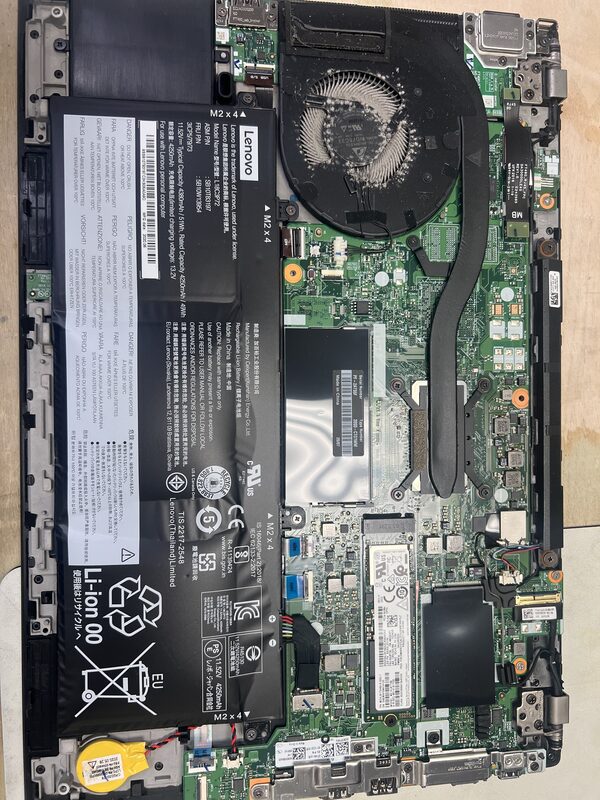
A swollen laptop battery is usually the result of a chemical reaction inside the battery. This can be caused by overcharging, overheating, or simply age. When a battery swells, it can put pressure on the internal components of the laptop, leading to potential damage or even safety hazards. In this case, the swollen battery was also affecting the laptop's performance by pushing against the fan, preventing it from spinning properly.
The Diagnosis at FixStop
When the technician at FixStop opened the laptop, they found a few startling issues. The battery was fully swollen, which is a common problem that can lead to further damage if not addressed. Additionally, the fan was clogged with dust, causing it to jam and preventing proper airflow and cooling.

The Repair Process Step by Step
The first step in the repair process was to carefully remove the swollen battery. This required delicate handling to avoid any potential hazards. Once the battery was safely removed, the technician moved on to address the fan issue. Using specialized tools, they meticulously cleaned the fan, removing all dust and debris to ensure it could spin freely.
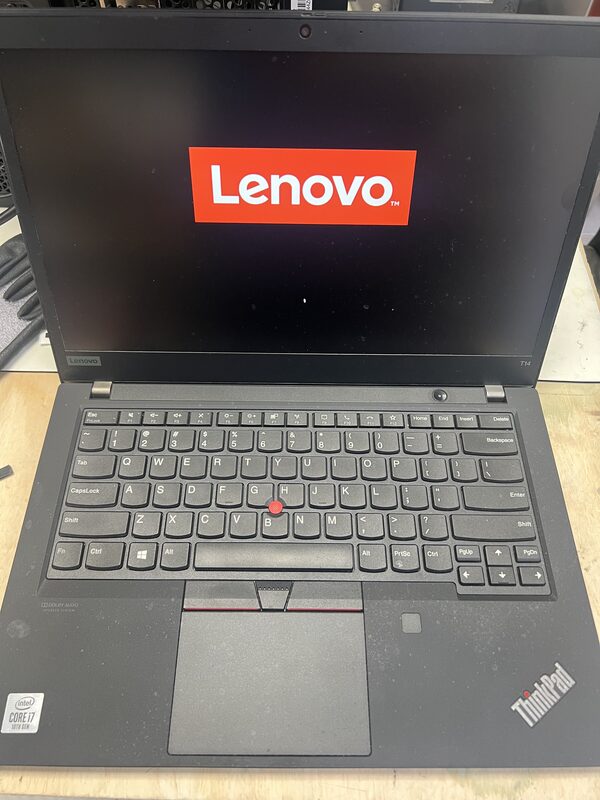
After resolving these issues, the technician proceeded with the original request: cloning the hard drive. Using a high-speed hard drive docking station, the technician cloned the existing drive onto a new one, ensuring all data was preserved. Once the new drive was installed, the laptop was reassembled with a new battery and tested to ensure everything was functioning correctly.
How Long Does Laptop Repair Take?
Typically, a repair like this can take a few hours, depending on the complexity of the issues found. At FixStop, we strive to provide same-day service whenever possible, especially for urgent repairs like a swollen battery or non-functioning fan. In this case, the entire process was completed within a single day, much to the customer's relief.
How Much Does Laptop Repair Cost in Oviedo?
The cost of repairing a laptop can vary based on the specific issues and any parts that need to be replaced. At FixStop in Oviedo, we offer free estimates so you can understand the potential costs before committing to any service. The costs typically cover parts like the battery and the labor involved in cleaning the fan and cloning the hard drive.
Why Choose FixStop in Oviedo?
FixStop has been serving the Central Florida community for over 12 years, offering reliable electronics repair services. Our convenient location in the Eastwood/UCF area makes it easy for Oviedo residents to stop by for quick and efficient service. We pride ourselves on using genuine parts and having certified technicians on staff. Plus, our services come with a 90-day warranty, covering everything except physical and liquid damage, so you can trust us to get the job done right.
Ready to Revive Your Laptop?
If you're experiencing issues with your laptop, whether it's a swollen battery, a noisy fan, or data concerns, don't hesitate to visit FixStop in Oviedo. Our team is ready to provide you with a free estimate and get your device back in top shape. Call us or drop by our location on Alafaya Trail to see how we can help.